

Other blockers
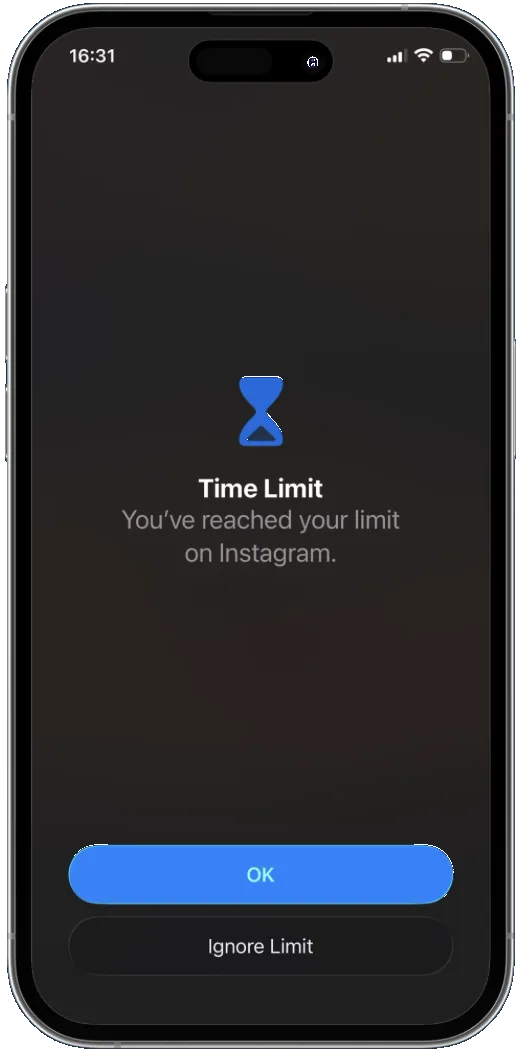
 Apple Screen TimeOn-screen app limits.
 OpalFocus sessions managed in an app.
 BrickA physical device to block or unblock.
 FreedomSoftware blocking across devices.
The distraction blocker that puts your apps
out of sight. Out of mind.
Selected apps disappear from your Home Screen. Out of sight, out of mind. A physical scan puts distance between you and the scroll.
Illustration
Tap Rawk to make the noise disappear.
Ready · tap Rawk to focus
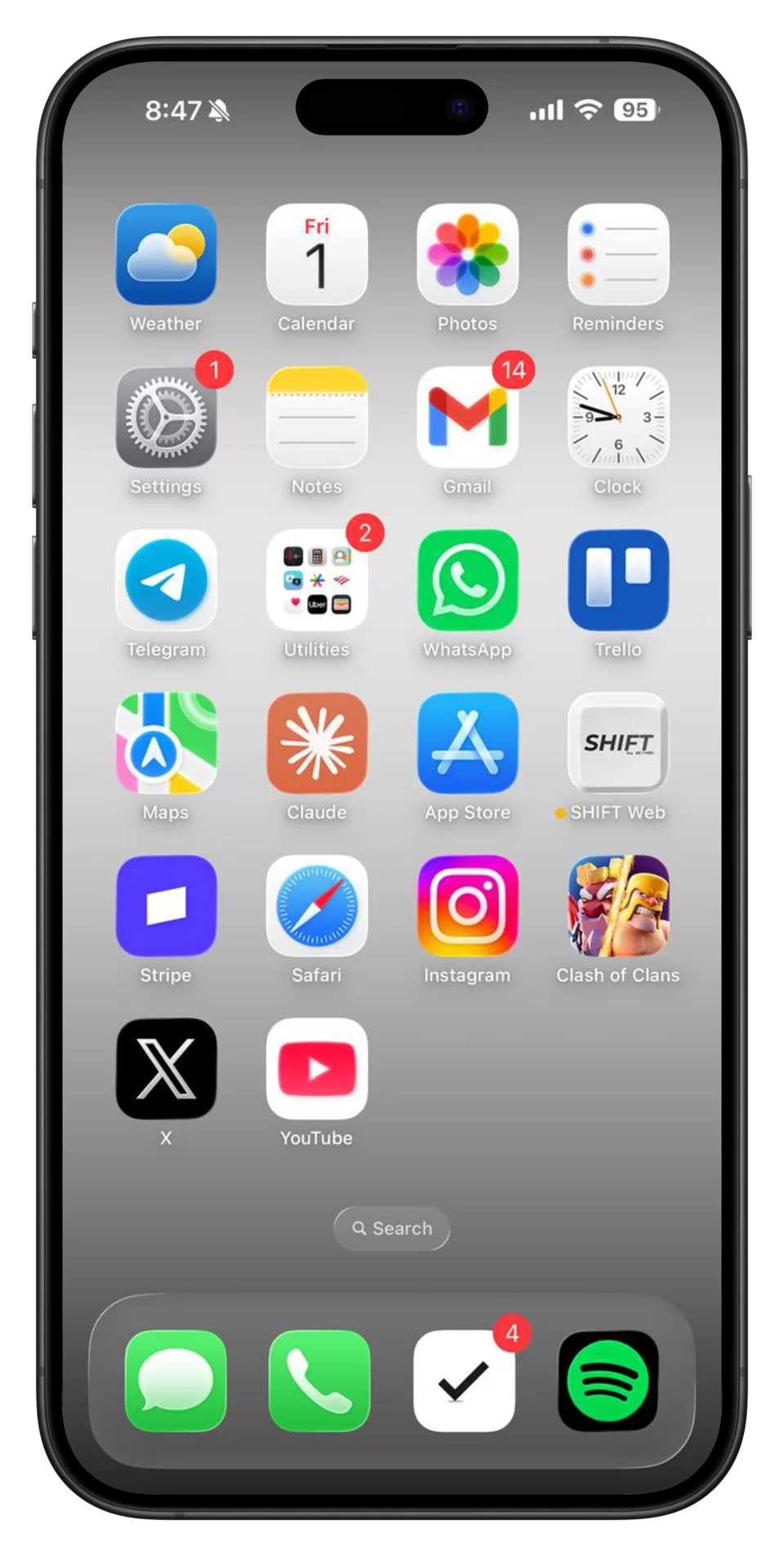
A visual illustration of the Rawk focus boundary.
Get RawkOut of sight. Still restricted. A physical rock puts a little distance between you and the apps that pull you away.
Phone illustrations. Apple authorization and emergency restore remain available.
The ritual
Choose what can wait, then scan when you want it back.
Choose the apps you want to set aside, then scan to pair.
Selected apps stay hidden and restricted while your Rawk is active.
Messages, maps, and daily tools you leave unselected remain available.
Physical rocks, one-time purchase. Free standard US shipping.
Free standard US shipping
1 physical rock
One-time purchase
2 physical rocks
One-time purchase
5 physical rocks
One-time purchase
One-time purchase · Free standard US shipping · Tax calculated at checkout
Choose up to 50 apps, then open the Rawk scanner and scan your paired rock. Your selected apps are hidden and restricted. Scan again to restore access.
Yes. Apps you leave unselected remain available. Choose the tools you need before you start.
No. Rawk, Rawk Couple, and Rawk Family are one-time purchases of one, two, or five physical rocks.
Rawk is designed for iPhone running iOS 18 or later. It uses Screen Time authorization and an in-app NFC scan.
Emergency restore and Apple’s authorization controls remain available. Rawk adds a physical boundary; it is not impossible to bypass.
Yes. Rawk includes a 7-day money-back guarantee after delivery, within our existing 30-day return window. See Shipping & returns for details.